Step 1
Download
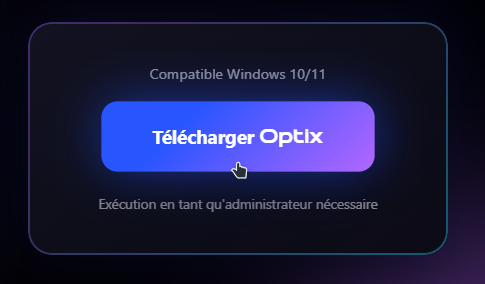
Head to the download page to get the latest version of Optix. Run the installer and let our simple and fast installation wizard guide you.
Step 2
Create an account
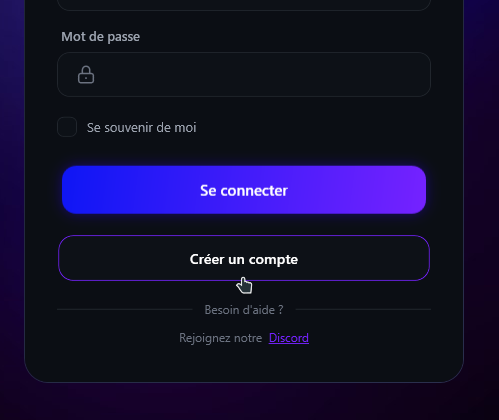
Sign up quickly to save your optimization settings in the cloud and access all our custom features. Once logged in, your profile is secure.
Step 3
Optimize
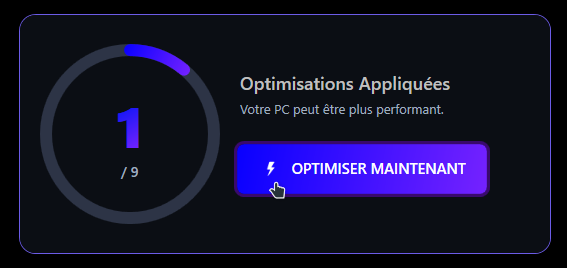
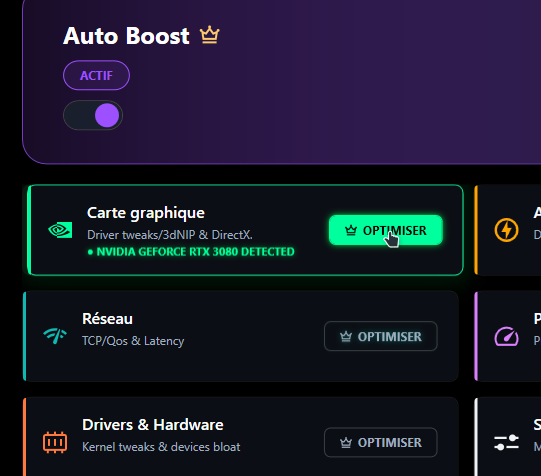
Choose the games you play and let Optix apply the best settings for your system. Dozens of optimizations are performed with a single click to reduce latency and boost FPS.
Step 4
Track
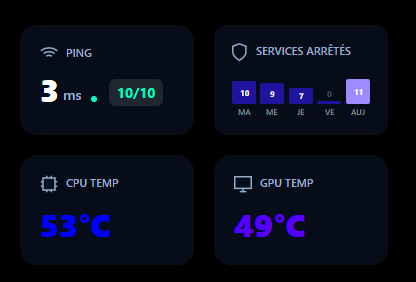
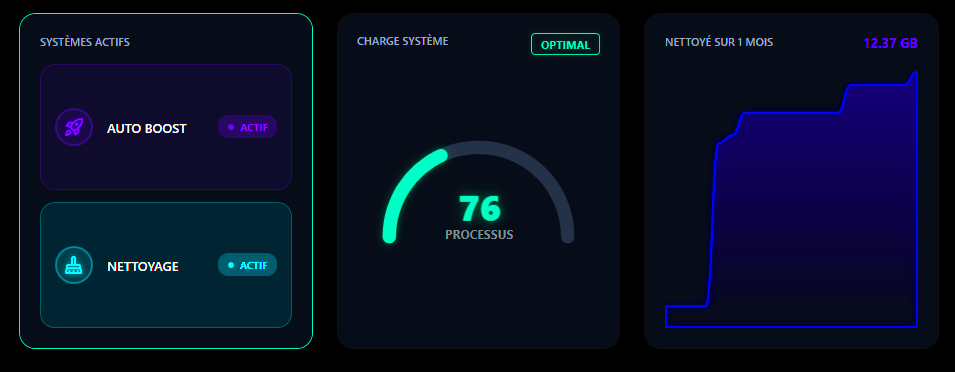
Track the impact of our optimizations in real time. Optix cleans RAM and stops unnecessary processes to ensure stable long-term performance.
Step 5
Play
Done! Launch your favorite game and enjoy perfect smoothness. With your new settings, you get an immediate competitive advantage. Have fun!